Getting customers
Seven things every small business website needs
A plain checklist to hold any small business website against, with a ten-minute test you can run on your own site today.
The short answer
Every small business website needs seven things: a first line that says what you do and where, one obvious next step, speed on phones, real photos, prices or a starting price, proof from real customers, and the basics Google needs to show you. The one most owners forget matters just as much: the domain name should belong to your company, not to whoever built the site.
Key takeaways
- A stranger should know what you do, where and for whom within a few seconds of landing.
- Choose one next step, such as WhatsApp, a call or a booking, and repeat it down the page.
- Real photos and a starting price save you calls from people who were never going to buy.
- Check your own site on your phone, with Wi-Fi off, at least once a month.
What should a small business website have?
Seven things do most of the work. None of them is expensive, and a site that brings in no enquiries is usually missing two or three of them.
| What it needs | Why it matters |
|---|---|
| A first line that says what you do | Visitors decide in seconds whether they are in the right place |
| One obvious next step | A visitor who has to hunt for the button usually leaves |
| Speed on phones | Many visitors arrive on a phone, often on mobile data |
| Real photos | Your own work makes you look like a real business |
| Prices, or a starting price | People know if you are right for them before they call |
| Proof from real customers | Strangers trust other customers more than they trust you |
| The basics Google needs | So people searching nearby can find you |
Does your first line say what you do?
Within a few seconds of landing, a visitor should know what you do, where, and for whom. “Aircon servicing in Tampines, same week” does that. “Welcome to our website” and “Excellence in every detail” do not.
Under that line, put one button. Choose the action that matters most to your business, usually WhatsApp, a call or a booking, and repeat the same button at the end of each section, so nobody has to scroll back up to find it. Three competing buttons split attention, and fewer people press any of them.
Is your website fast enough on a phone?
It needs to be, because many of your visitors are on a phone, often on mobile data, and every extra second of waiting loses some of them.
The usual causes are simple to fix: photos uploaded straight from a camera at full size, a slider of large images at the top, a video that plays by itself, and plug-ins added years ago that nobody uses any more.
Google’s free PageSpeed Insights test scores any page for phones and computers in about a minute, and lists what slows it down, such as photos that are larger than they need to be.
Do you show real photos and a price?
Real photos of your work, your team and your premises make a small business look real. Stock photos make every business look the same. A renovation company’s finished kitchen, a café’s actual cakes and the physiotherapist who will treat you are worth more than any picture from a photo library.
They do not need a professional photographer. Daylight, a clean background and a steady hand are enough for most phones. Take ten good photos once, and you can use them on your website, your Google profile and social media for a year.
Then show your prices, or at least a starting price. A line such as “Most bathroom renovations start from a few thousand dollars, depending on size and finishes” tells people whether you are right for them before they call. You get fewer calls from people who were never going to buy, and more from people who were.

What proof makes a stranger trust you?
Proof that other people trusted you, placed near the top of the page. Strangers believe other customers far more than they believe what a business says about itself.
- Two or three short reviews, each with a first name and what they bought
- Your Google rating, linked to your profile, if it is a good one
- Photos of finished jobs, with before and after where it makes sense
- Licences, memberships and certificates you really hold
Use only real ones. Invented reviews are easy to spot, and one that is found out costs more trust than having none. If you are new, show what you do have: your training, your experience, and a clear promise about what happens if something goes wrong.

What does Google need from your website?
Clear page titles, the same details everywhere, and a Google Business Profile. None of it is a trick: it simply makes it easy for Google to understand what you do and where.
- A page title that says what and where, such as “Aircon servicing in Tampines”, rather than “Home”.
- The same name, address, phone and opening hours on your website, your Google Business Profile and directories.
- A claimed Google Business Profile with your category, hours, photos and website link. It is free, and it is how you appear on Google Maps.
- A page for each main service, so someone searching for that service lands on the right page.
The same clear details help AI assistants such as ChatGPT too: see our guide to showing up in AI answers.
The one most owners forget: who owns your domain?
Make sure your company owns your domain name, not the person or firm who built the site. Of everything on this list, it is the one that cannot be fixed quickly when something goes wrong.
Here is how it usually goes wrong. A relative or a freelancer registers the domain on their own account, then moves overseas, changes jobs or stops replying. The website keeps working until the renewal is due and nobody can log in to pay it. Then your address stops working, and so does the email that runs on it.
Ask your builder today which account the domain is registered in, and ask for the login details. If it is in their name, ask them to move it to your company. A good builder will do it without any fuss.
How can you check your own website in ten minutes?
Run these seven tests on your own site. You will probably find at least one thing to fix.
- The five-second test. Show your home page to someone who does not know your business for five seconds, then ask what you do and where.
- The phone test. Turn off Wi-Fi, open the site on your phone and time how long it takes to show something useful.
- The button test. From three different pages, try to WhatsApp, call or book. Count the taps.
- The photo test. Mark every photo that is not your own work, team or premises.
- The price test. Ask a friend to guess what you charge, using only the site.
- The Google test. Search your business name, then your main service with your area. Check that the hours and phone number match your site.
- The domain test. Find out whose name the domain is in, and make sure you have the login.
If you would rather have it done for you, our free website check scores any site for phone speed, Google and AI answers in about a minute, with a plain fix for each problem.
Why Clovigo is the safer choice for most small businesses
We build every website around this checklist, so you start with all seven in place. And you see it before you pay: you design your site on our website in about 5 minutes and see it with your own name, colour and logo, a fixed price and a delivery date.
- The basics in every package: a contact form, a WhatsApp button, a photo gallery, fast loading on phones, and Google and Bing search setup.
- Your own photos and prices, kept current: once the site is live and paid, you change the words, prices and photos yourself in your own editor, and the change is live in about a minute.
- Your domain in your company’s name: your domain and business email are set up in your company’s name, so you own them.
- Live in about a week: a Business Website is S$999 for up to 6 pages, with 4 rounds of changes before launch. A one-page Launch Page is S$499.
- Looked after, if you want it: the optional Care Plan covers hosting, security updates, backups and up to an hour of small changes every month.
If you do not love the first design, tell us within 14 days of seeing it, before asking for changes, and we make you a fresh one, free.
Questions people ask
How many pages does a small business website need?
Many businesses start with one page: what you do, where, your prices and how to reach you. Separate pages for each main service give customers and Google more to find, which is why our Business Website has up to 6.
Should I put prices on my website?
Yes, or at least a starting price, so people know whether you are right for them before they call.
Who should own my domain name?
Your company. Register it in your company’s name, on an account you can log in to, not in the name of whoever builds the site, so your address and email stay with you whatever happens.
Are stock photos OK on a business website?
For a background, yes. For your work, your team and your premises, use real photos: stock pictures make every business look the same.
Keep reading
More straight answers

How much does a website cost in Singapore in 2026?
Singapore agencies commonly quote S$3,000 to S$8,000 for a five-page website and freelancers S$2,000 to S$6,000. What drives the price and the yearly costs.
Read article
GEO and AEO: how to show up in AI answers
AI assistants recommend businesses whose sites answer questions clearly and keep their details consistent. What GEO and AEO mean, what helps, and what to avoid.
Read article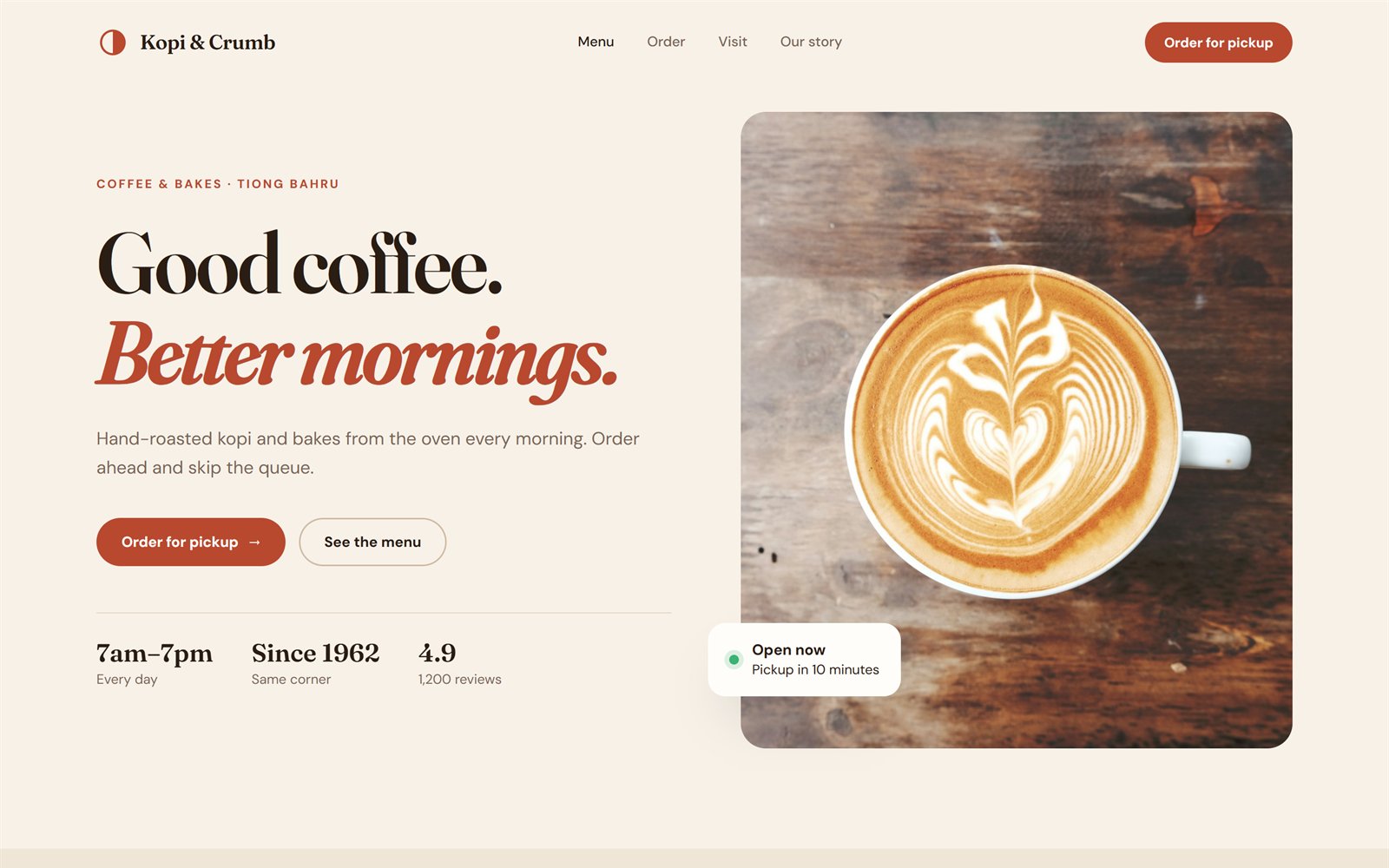
Design your website and see the price
Pick a design, add your name and logo, and see your fixed price and delivery date before you order.
Start designing