Google search
How to Get More Google Reviews Without Breaking the Rules
Learn how to get more Google reviews from real customers, what Google bans, how to ask in person and by WhatsApp, and how to reply to every review.
The short answer
The safe way to get more Google reviews is to ask every genuine customer, soon after a good experience, using a direct link to your Google Business Profile. Never pay for reviews, offer discounts or gifts in return, write your own, or ask only happy customers. Make asking a routine and reply to every review.
Key takeaways
- Ask every real customer, at the moment they are happiest, with a direct link so leaving a review takes under a minute.
- Never offer rewards, write your own reviews or screen out unhappy customers: Google can remove reviews and penalise your listing.
- Reply to every review, good or bad. It shows future customers that a real person is running the business.
- Put the review link on a QR card, in WhatsApp messages and in your email signature, and ask on a fixed routine.
What is the best way to get more Google reviews?
The best way to get more Google reviews is simple: ask every customer, every time, while the good experience is fresh. Most happy customers never think to leave a review unless someone asks them.
Make it easy. A customer who has to search for your business, find the right listing and work out where to click will give up. A direct link that opens the review box does the hard part for them.
Think of it as a habit, not a campaign. A café that asks every table owner once a week will usually beat one that runs a big push for a month and then forgets.
TipAsk the moment the customer says thank you or compliments the work. That is when they are most willing.
What does Google not allow when you ask for reviews?
Google does not allow fake reviews, paid reviews, or reviews offered in exchange for a reward. Its content policies also rule out reviews from you, your staff, or anyone with a conflict of interest, and they prohibit review gating.
Review gating means asking customers how they felt first, then sending only the happy ones to Google. It feels clever, but it is exactly what the rules are meant to stop. Offering a free drink, a discount or a lucky draw entry for a review counts as an incentive, even if you say any rating is fine.
Rules and wording can change, so read the current Google policy for reviews on Maps before you design a routine. The principle stays the same: reviews should reflect real, unprompted opinions.
- No money, discounts, gifts or draw entries in return for a review.
- No reviews written by you, staff, family or friends.
- No asking only happy customers, or filtering by rating first.
- No buying reviews from a service, however polite it sounds.
- No review stations that post many reviews from one shop device or Wi-Fi.
TipIf you are unsure whether a tactic is allowed, ask whether you would be comfortable explaining it to Google. If not, skip it.
How do you find and share your Google review link?
You find your review link in your Google Business Profile: sign in, search for your own business, and choose the option to ask for reviews, which gives you a short link to copy.
That link opens the review box directly. Send it the same way you already talk to customers. Most small businesses in Singapore are already on WhatsApp, so a short message with the link works well.
If you have not claimed your listing yet, do that first. Our Google Business Profile setup checklist covers it step by step.
- Sign in to Google with the account that manages your business.
- Search for your business name on Google or Maps.
- Choose the option to ask for reviews and copy the short link.
- Save it in your phone notes and on your WhatsApp Business quick replies.
- Test it on your own phone to make sure the review box opens.
TipSave the link as a WhatsApp quick reply so you can send it in two taps.
How should you ask customers for a review?
Ask in person first, then follow up by message, in plain words and with a thank you. People respond to a personal request far better than a form letter.
Keep it short and say why it matters: reviews help other local customers choose. Do not tell them what to write or what rating to give.
- In person: "If you enjoyed it, would you mind leaving us a quick Google review? I can send you the link now."
- By WhatsApp: a thank-you, one line of ask, then the link.
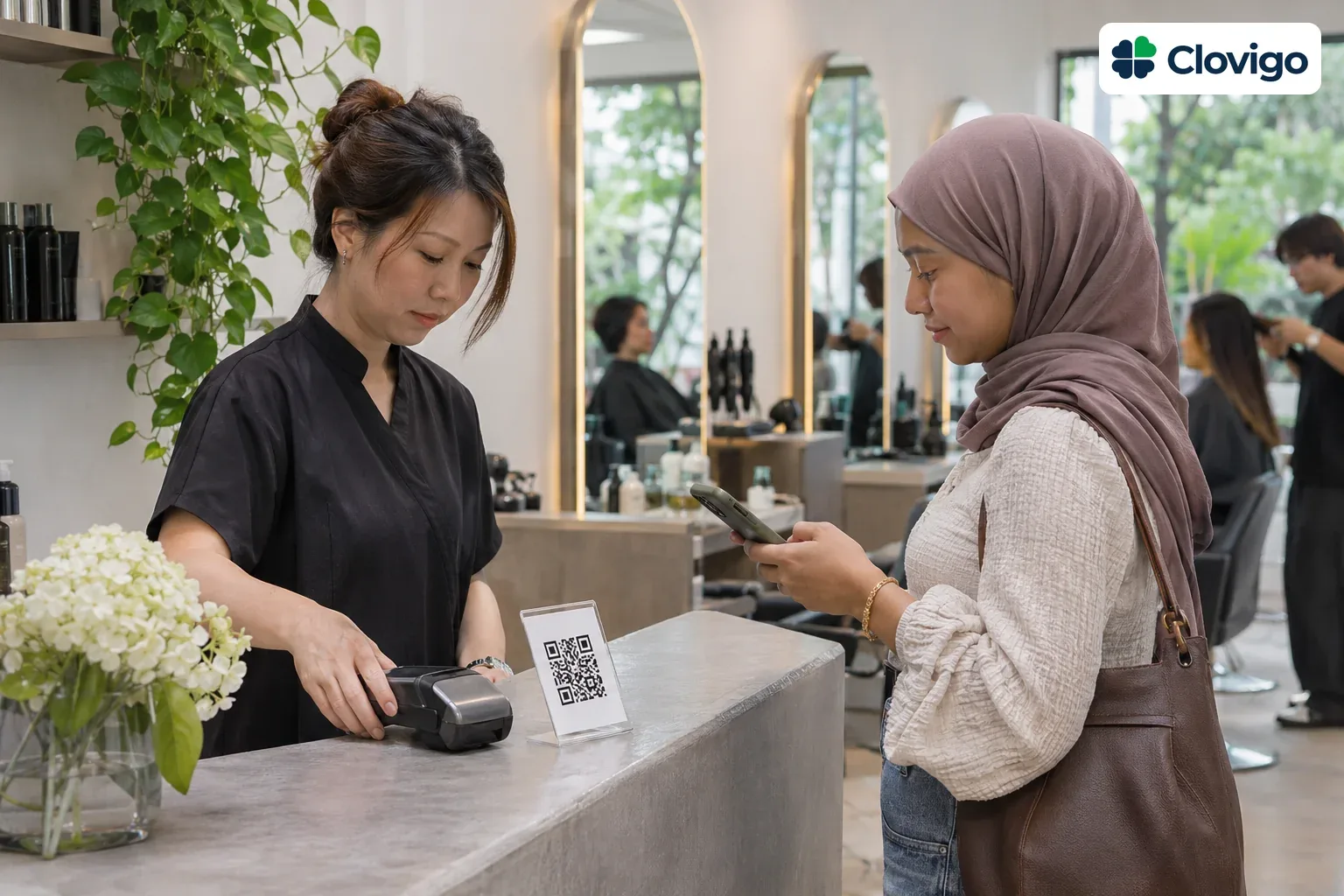
- On a card: a small QR code at the counter or on the receipt that opens your review box.
- By email: add the link under your signature or in the confirmation email.
TipA short message that names the service, like "thanks for coming in for your check-up today", feels personal and gets more replies.
When is the best time to ask for a Google review?
The best time to ask is right after the customer has seen the result and is pleased: when the food has been enjoyed, the treatment is finished, or the renovation is handed over.
For a quick service such as a haircut, ask at the counter. For a longer job, such as a renovation, ask at handover and again a few days later when they are settled in. One follow-up is fine. Repeated chasing is not.
A fixed routine helps most. Pick one point in your process, like the end of the invoice message, and always ask there.
TipBuild the ask into an existing step, such as the payment confirmation message, so nobody has to remember it.
How do you handle bad reviews and reply to every review?
Reply to every review, and reply to a bad one calmly and politely, without arguing. Future customers read your replies to see how you treat people when things go wrong.
Thank the person, say sorry if something went wrong, and offer to sort it out offline. Do not reveal private details or blame the customer. If a review is fake, abusive or from someone who was never a customer, you can report it to Google, though removal is not guaranteed.
A few negative reviews among many good ones look honest. A flawless profile can feel suspicious.
- Reply within a day or two where you can.
- Use the customer's name if they gave it.
- Mention something specific from their review.
- Take the conversation to WhatsApp or phone for problems.
TipWrite the reply as if the customer's neighbour is reading it, because future customers are.
How can your website help you get more Google reviews?
Your website helps by giving customers a clear place to find the review link, and by showing your best reviews so new visitors trust you sooner.
Add a short line and a button on your thank-you page or footer that links to your review box. Quote a few genuine reviews on your home page, with the reviewer's permission where needed, and link them to your Google listing. A free website check shows whether your site makes it easy for customers to contact and trust you.
Reviews also support local search. A well-kept profile with fresh reviews, plus a site that matches your name, address and phone number, is one of the foundations our SEO work builds on. No one can honestly promise rankings, but this is the groundwork that makes them more likely.
Why Clovigo is the safer choice for most small businesses
Reviews work best when your website, profile and customer routine all point the same way, and that is where we make it simpler. Many owners get stuck with quotes they cannot compare, a template that looks like everyone else's, or an agency that charges by the hour for every small change. Clovigo is built to avoid those problems.
You see your own website and its fixed price before you pay, with a delivery date in about 5 minutes. If you do not love the first design, tell us within 14 days of seeing it, before asking for changes, and we make a fresh one, free. Most sites go live in about a week: a Launch Page is S$499, a Business Website S$999 and an Online Shop S$1,999. Rounds of changes are included, so nobody bills you for every tweak.
Once it is live and paid, you change words, prices and photos yourself in your own editor, so adding a review quote takes about a minute. Your domain and email are set up in your company's name, and every package includes a contact form, a WhatsApp button, and Google and Bing setup. The optional Care Plan from S$599 a year covers hosting, backups and up to 1 hour of small changes a month. If you want help with your Google Business Profile, our SEO and AI plans start at S$149 a month, month to month, cancel any time. Start your website and see it before you pay.
Questions people ask
Can I offer a discount for a Google review?
No. Google does not allow reviews in exchange for discounts, gifts or other rewards, even if you say any rating is fine. Say thank you instead.
How many Google reviews do I need?
There is no magic number. A steady flow of recent, genuine reviews with replies from you matters more than hitting a target.
Why did Google remove my reviews?
Common reasons are suspected fake reviews, reviews from staff or family, reviews gathered with rewards, or many reviews arriving at once from the same place.
Can I ask only happy customers for reviews?
No. Filtering by satisfaction before sending the link is called review gating and is against Google's policies. Ask every customer.
Can I delete a bad Google review?
Not directly. You can report reviews that break Google's rules, such as fake or abusive ones, and reply politely to the rest.
Keep reading
More straight answers
Local SEO for Restaurants: How to Show Up in 'Near Me' Searches
How cafés and restaurants show up in near me searches: fix your Google profile, menu, hours and reviews, with a simple weekly routine.
Read articleGoogle Business Profile Setup Checklist for Small Businesses
A step-by-step google business profile setup checklist: what to fill in, how to verify, which category to pick and what to keep updated so locals find you.
Read articleIs TikTok Worth It for a Small Business in Singapore? (2026)
Is TikTok worth it for small business in Singapore? Usually yes if your customers are there and you can post weekly. What it costs and how to test it.
Read article